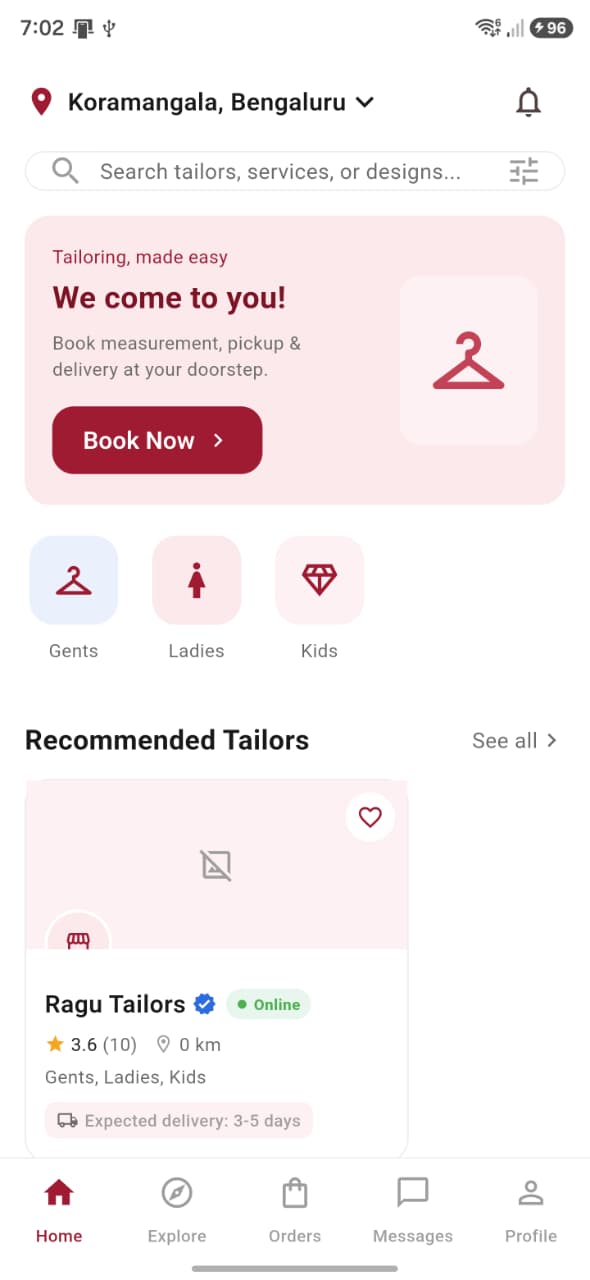
Home
Recommended tailors, trending designs and a direct Book Now action.
The Metaia customer app
A complete guide to joining Metaia, discovering trusted local talent, creating an order and staying connected until it is ready.
The complete experience
Real app screens
Every screen below comes directly from the Metaia mobile app, arranged in the same order a user experiences it.
Registration to first success
No guesswork. Here is exactly what happens from opening Metaia to completing your first meaningful action.
Get started
A short introduction shows how doorstep measurement, nearby tailors and live order tracking work together.
Get started
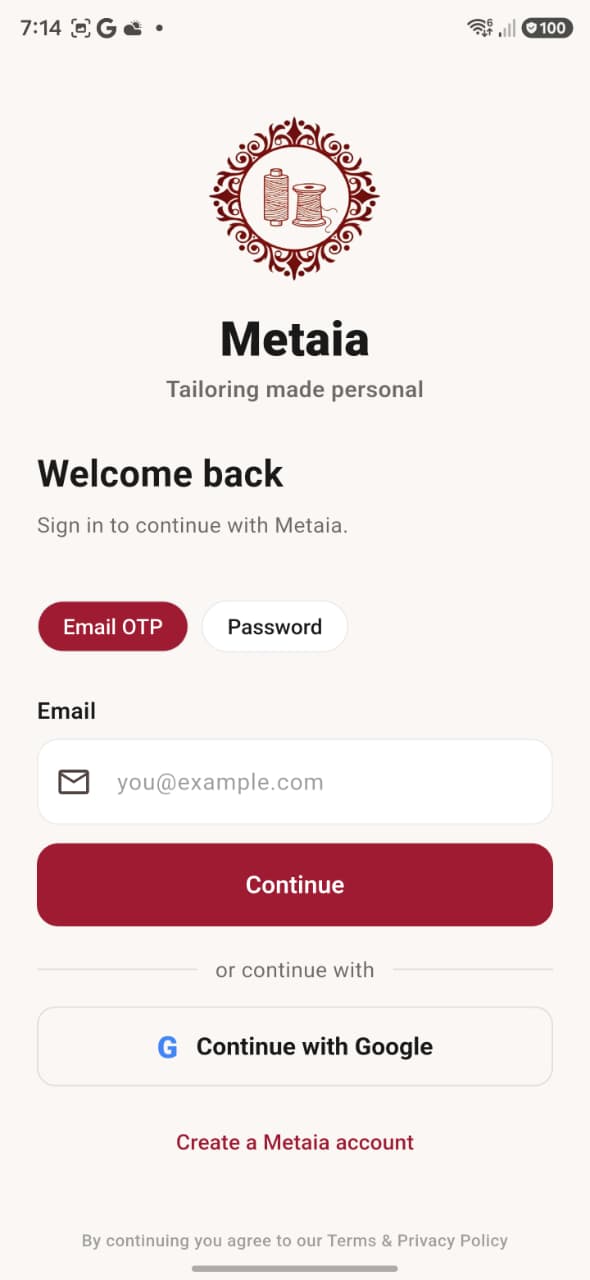
Register with Google or manually using your name, email or phone number and a secure password.
Get started
A one-time code confirms your email or mobile number and securely opens your Metaia account.
Get started
Add your address, saved measurements and preferences once, then reuse them whenever you book.
Use Metaia
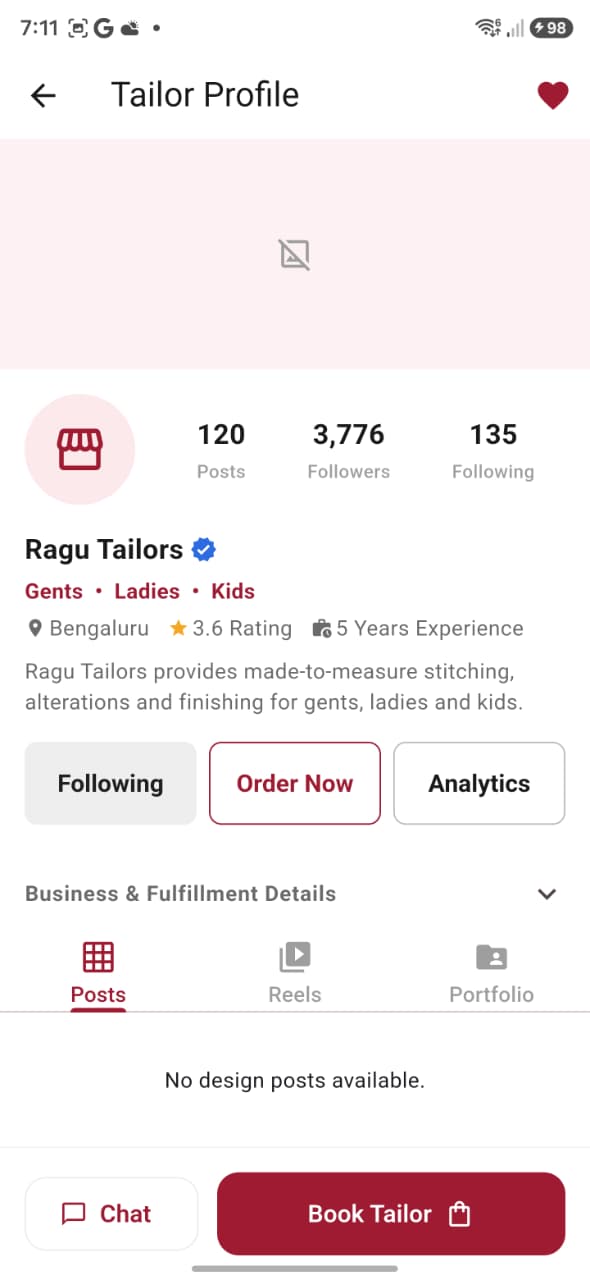
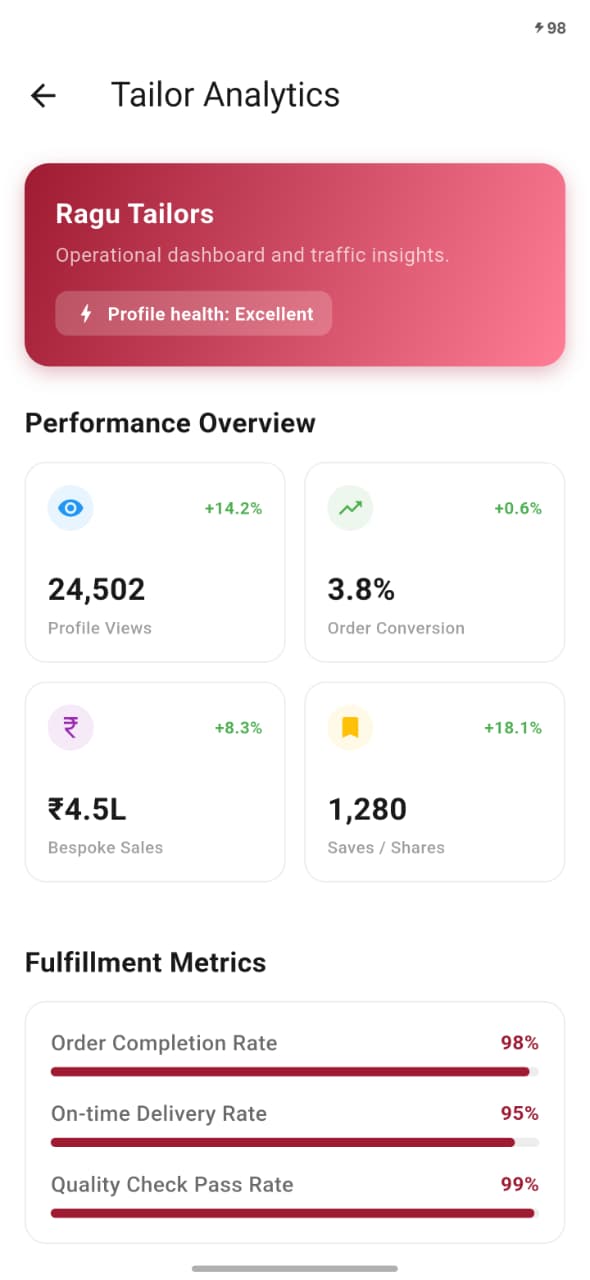
Explore recommended tailors and trending designs, then compare profiles, portfolios, reviews and availability.
Use Metaia
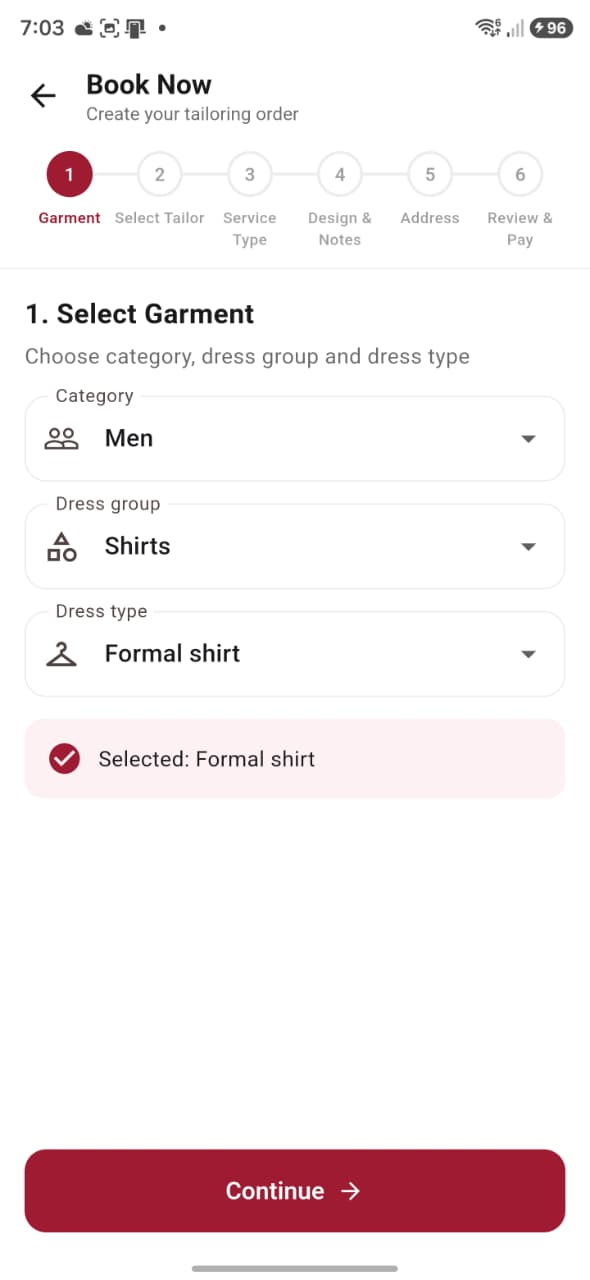
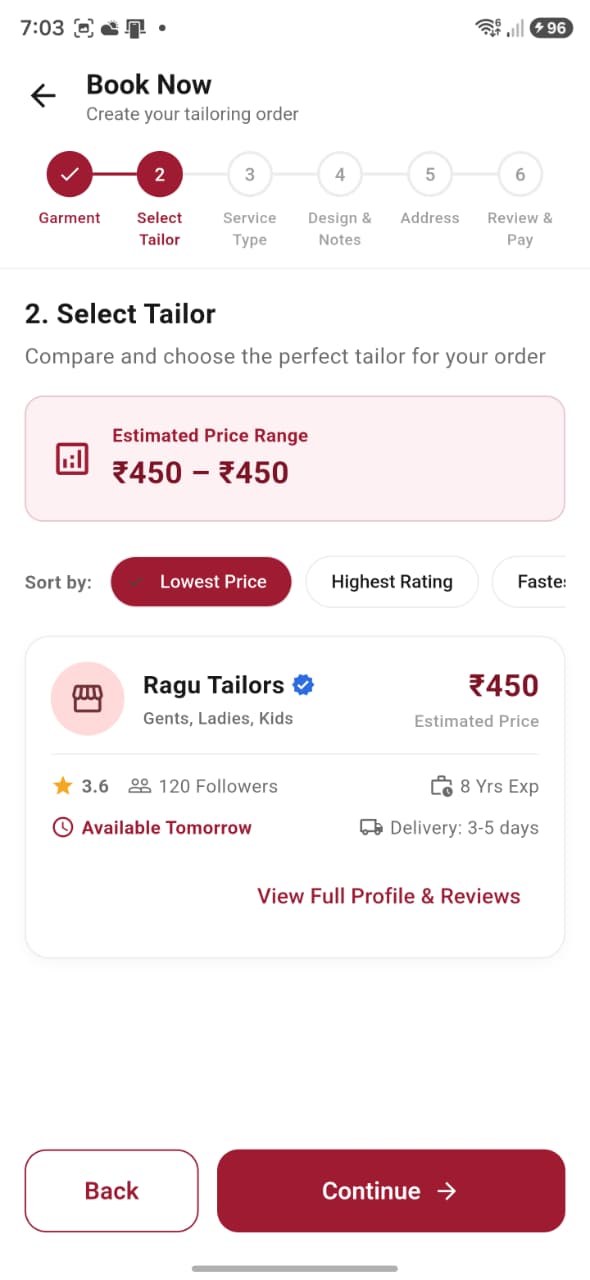
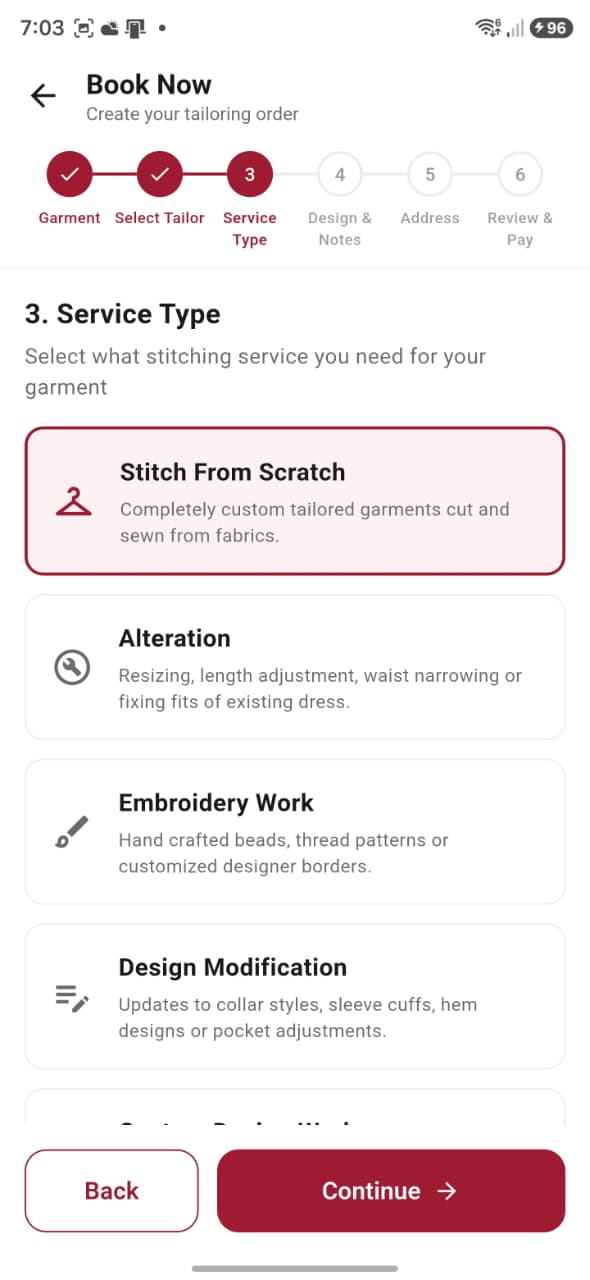
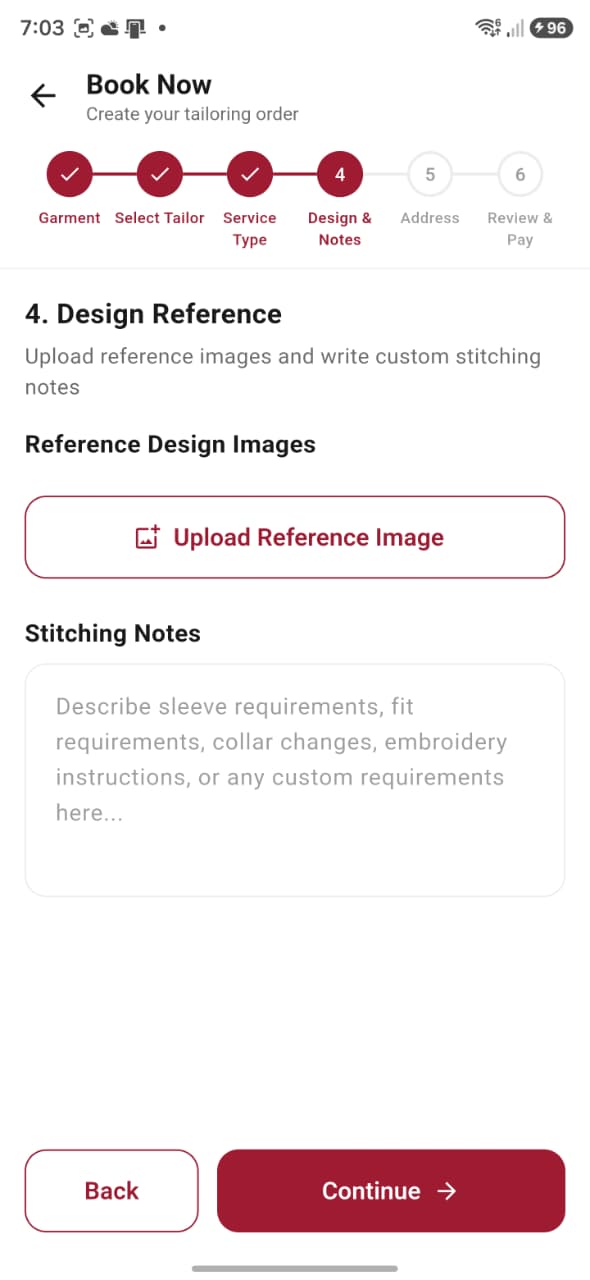
Choose a single item or bulk order, garment category, service, design reference and the tailor you prefer.
Use Metaia
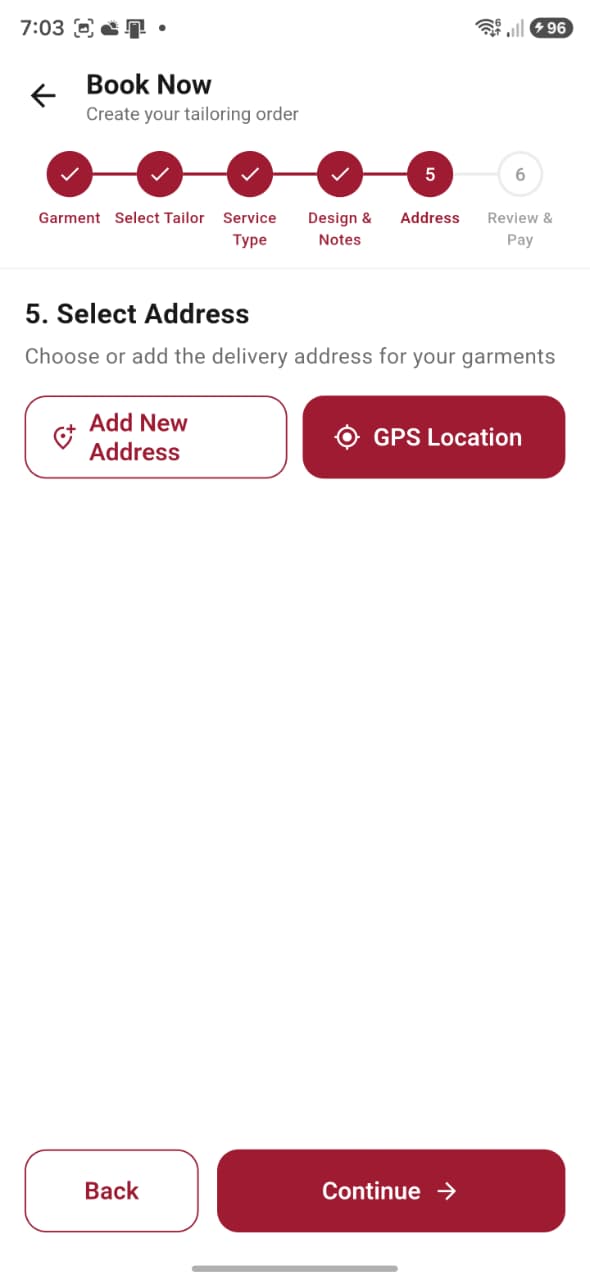
Select a saved measurement or doorstep service, then arrange the pickup details that suit you.
Use Metaia
Follow status changes from assignment and stitching through pickup, delivery and completion.
After registration
Metaia keeps discovery, decisions, conversations and order progress together—so every visit has a clear purpose.
Recommended tailors, trending designs and a direct Book Now action.
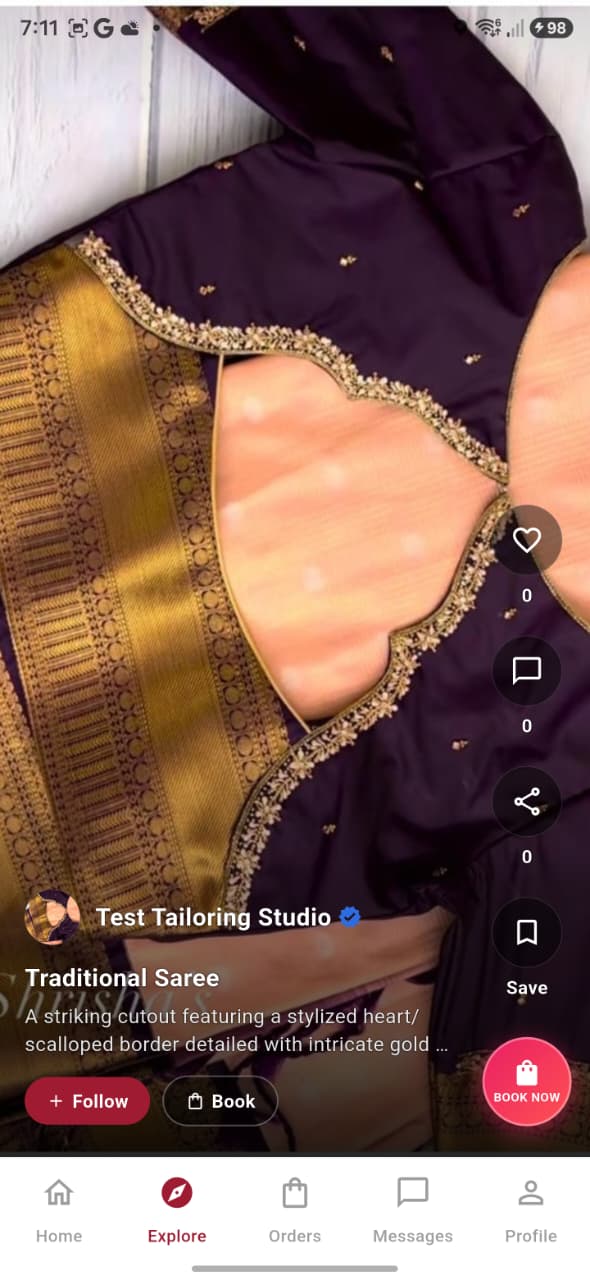
A visual feed for designs, reels, likes, saves, comments and booking inspiration.
One place for active, upcoming and completed work with clear status updates.
Private conversations with tailors plus direct Metaia Customer Care support.
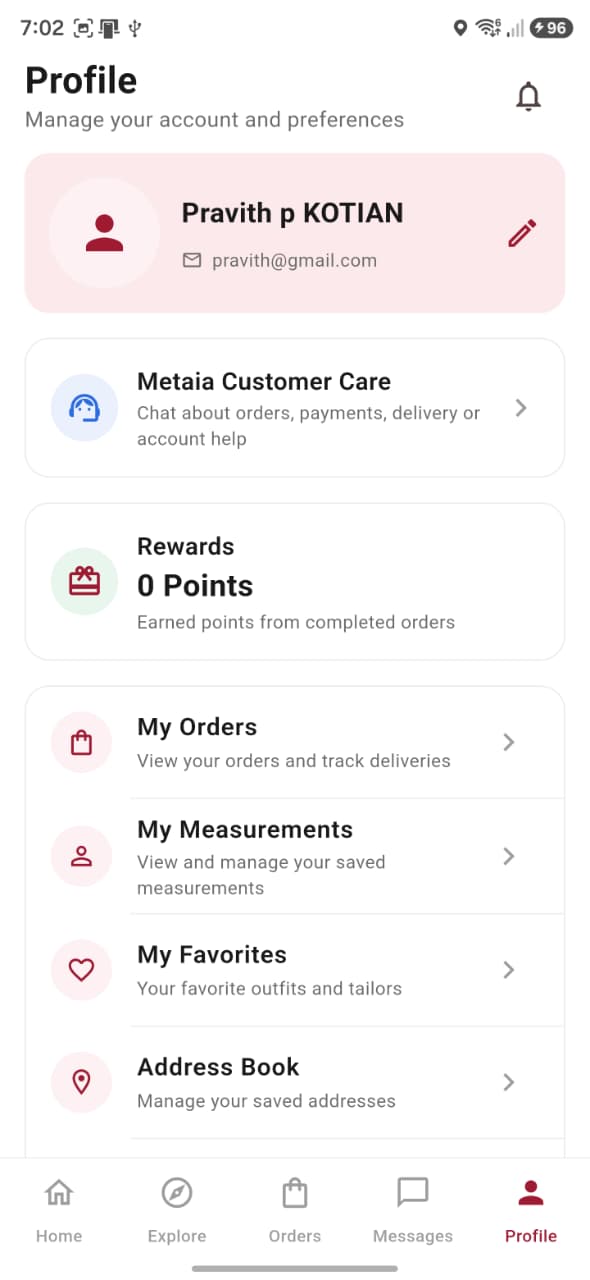
Addresses, measurements, favourites, notifications and account controls.
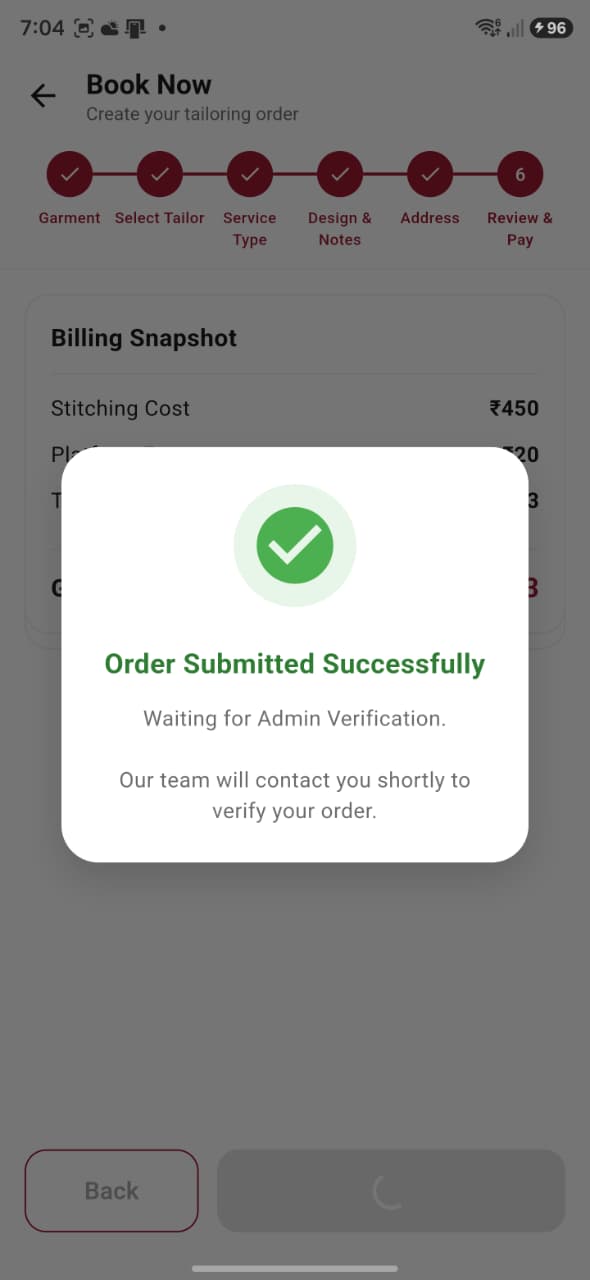
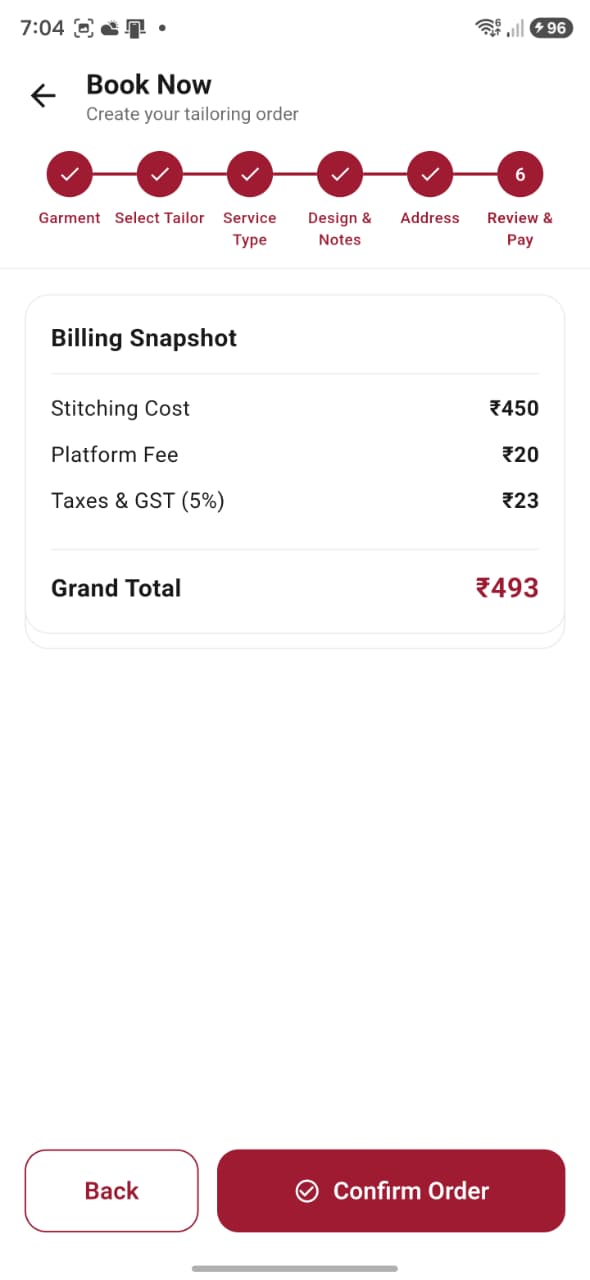
A complete price review, coupons and the available payment method before confirmation.
Before you begin
One connected platform
Find the right tailor. Create with confidence. Follow every stitch.