The Metaia tailor app

Your craft, your customers, one calm workspace.

A complete guide from secure registration and business verification to managing orders, conversations, availability and studio growth.
Metaia tailor home
Metaia tailor order list
End to endClearly explained

A professional path from application to a thriving digital studio.

See the complete tailor experience.

Every screen below comes directly from the Metaia mobile app, arranged in the same order a user experiences it.
01

Join Metaia

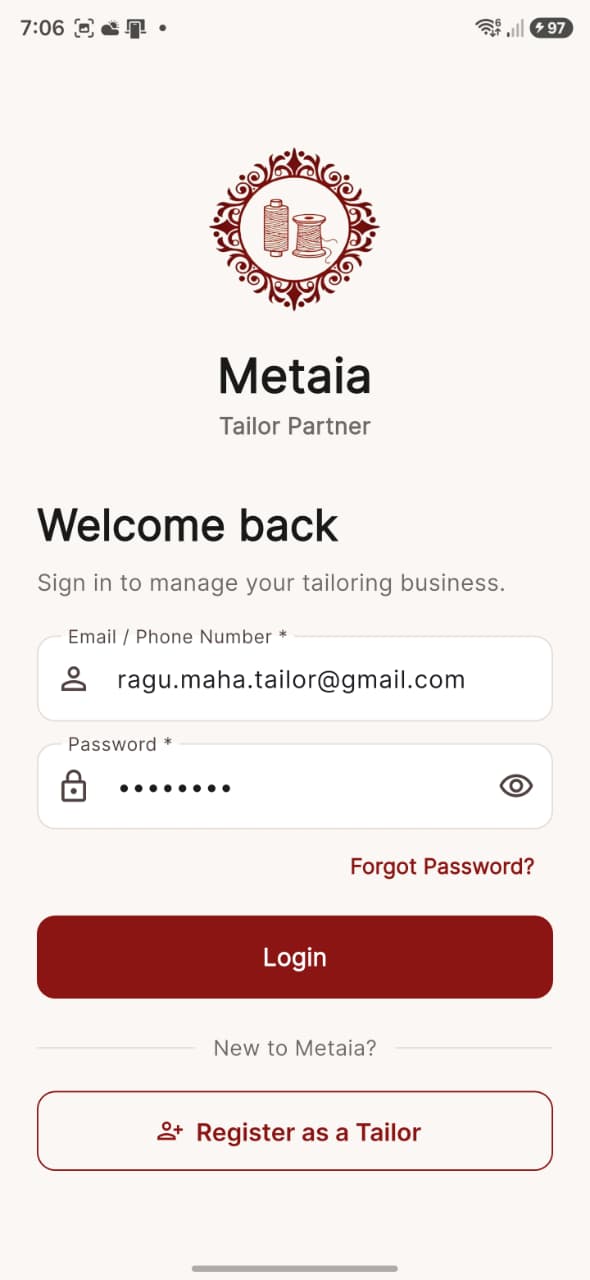
Metaia tailor login
Secure partner login for verified tailors
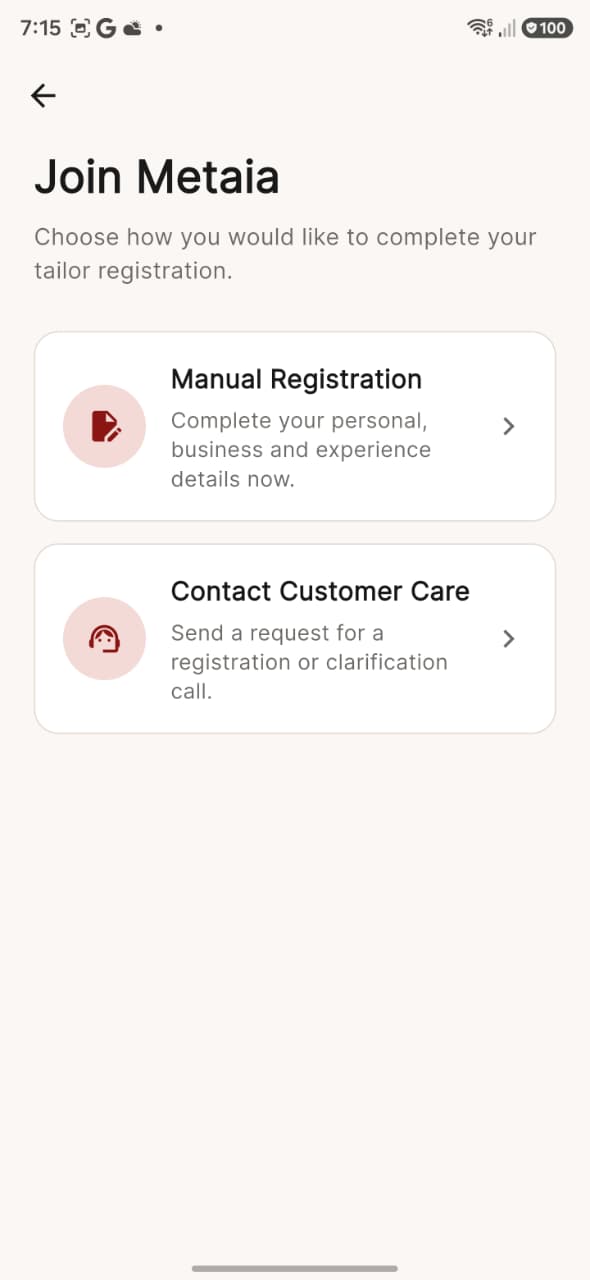
Metaia tailor registration choices
Choose manual registration or request personal help
02

Apply and verify

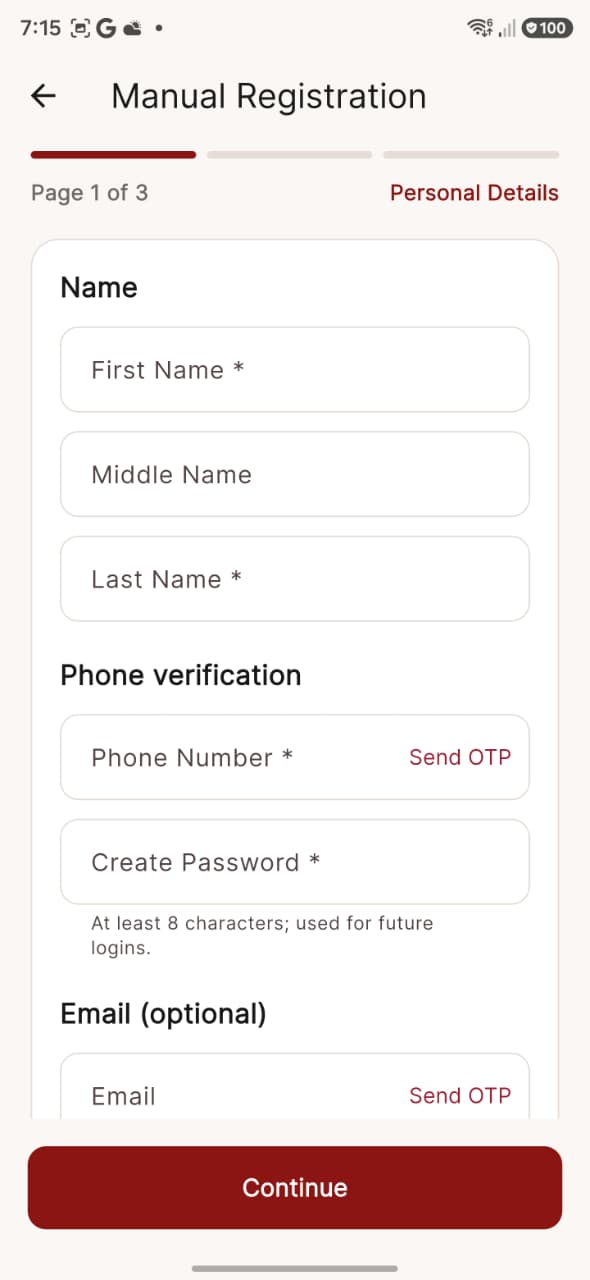
Metaia tailor manual registration
Personal details and phone verification
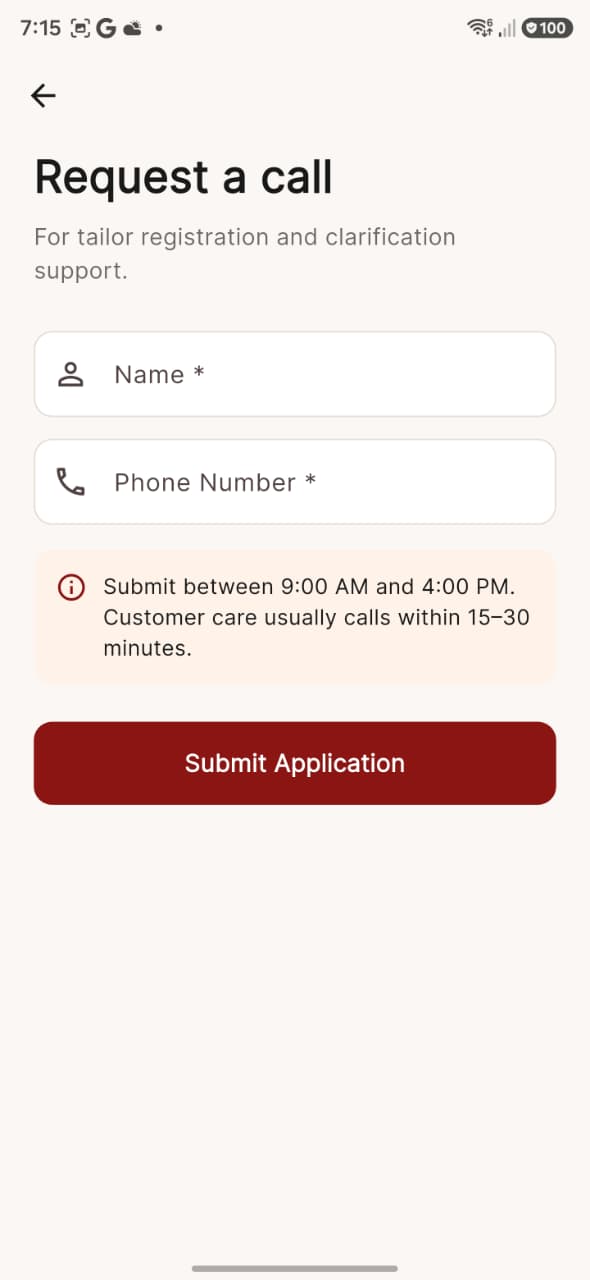
Metaia tailor callback request
Request a registration support call
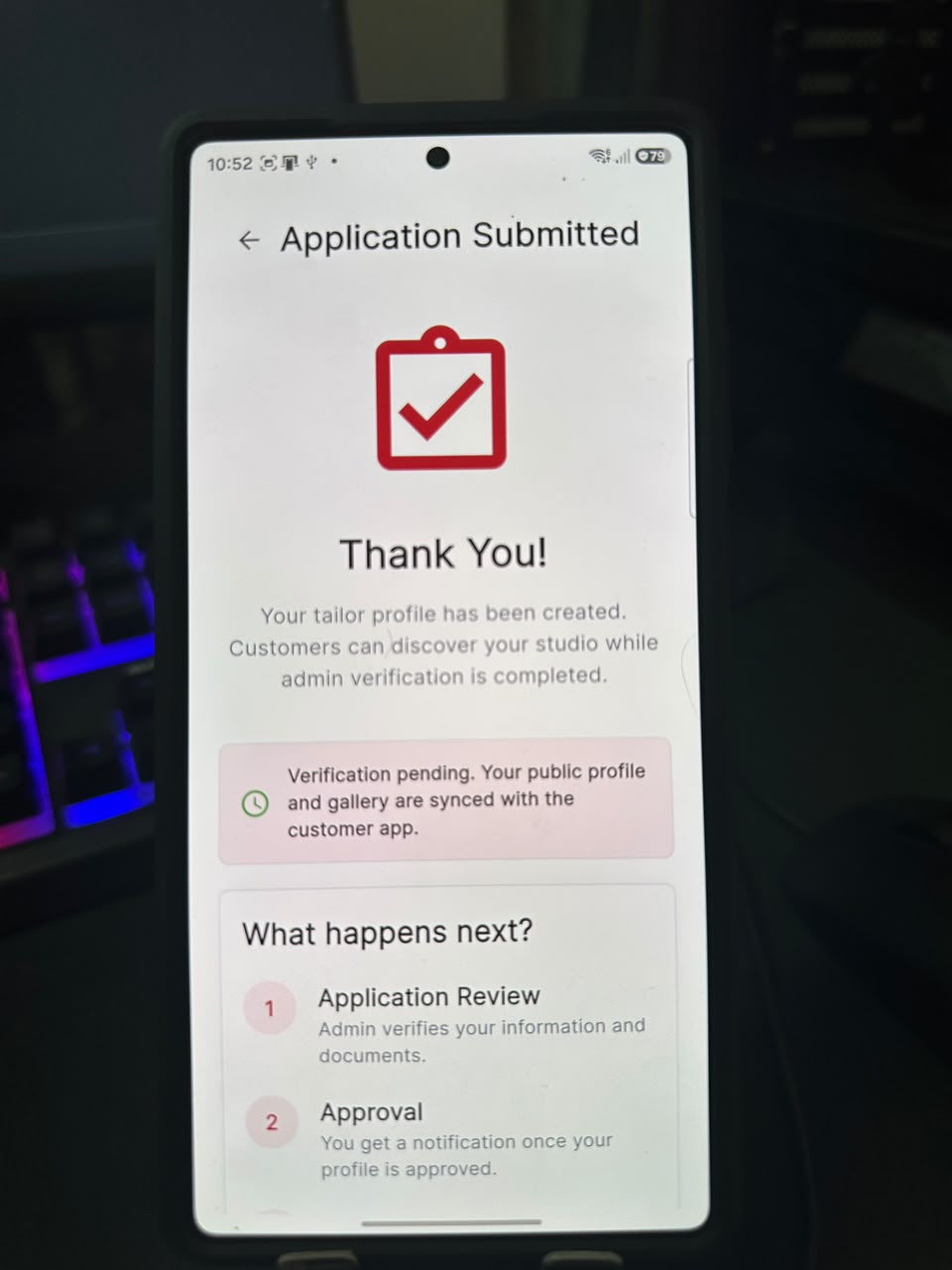
Metaia tailor application submitted
Application submitted with clear next steps
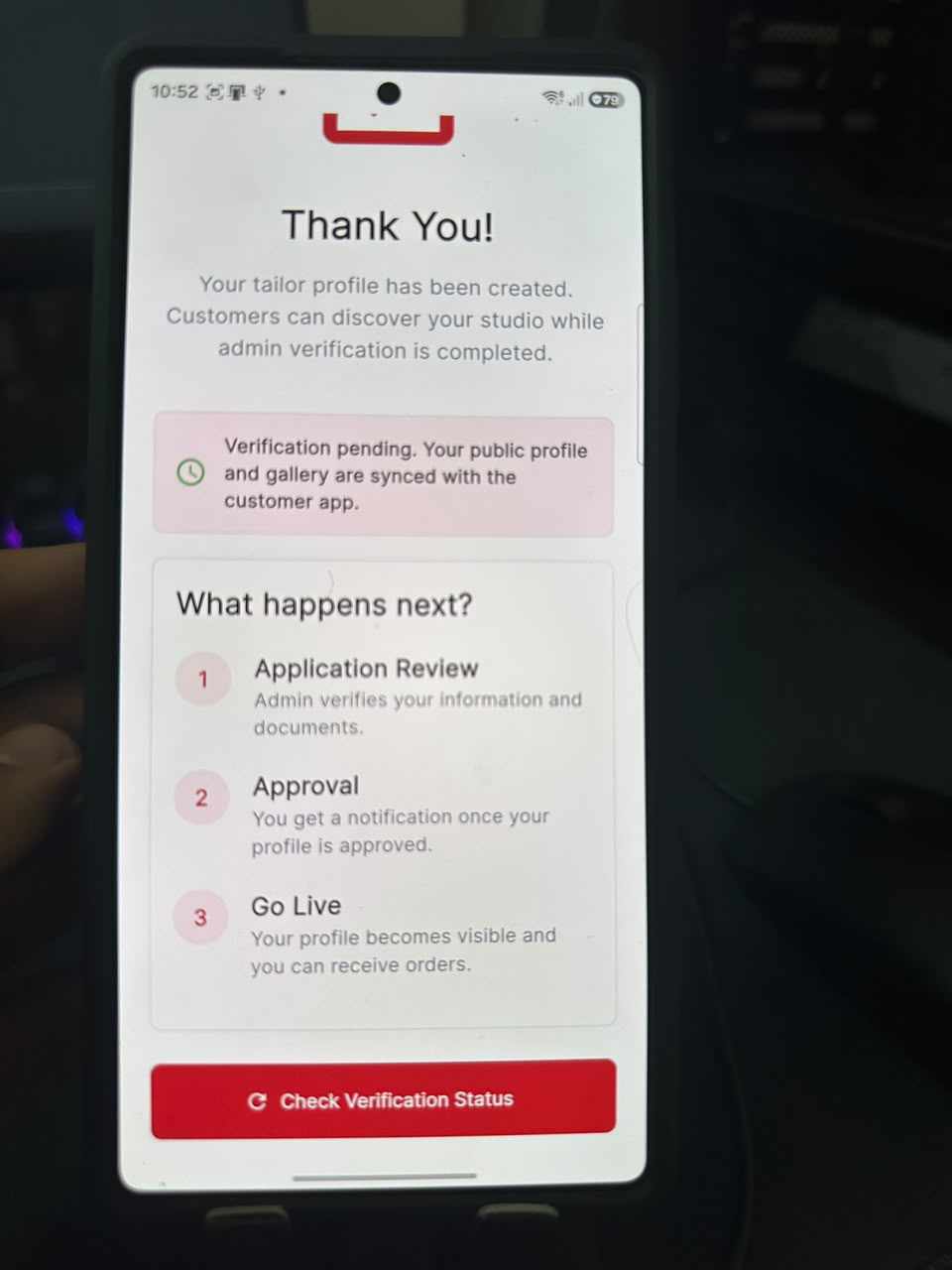
Metaia tailor review process
Verification, approval and go-live explained
03

Set up your studio

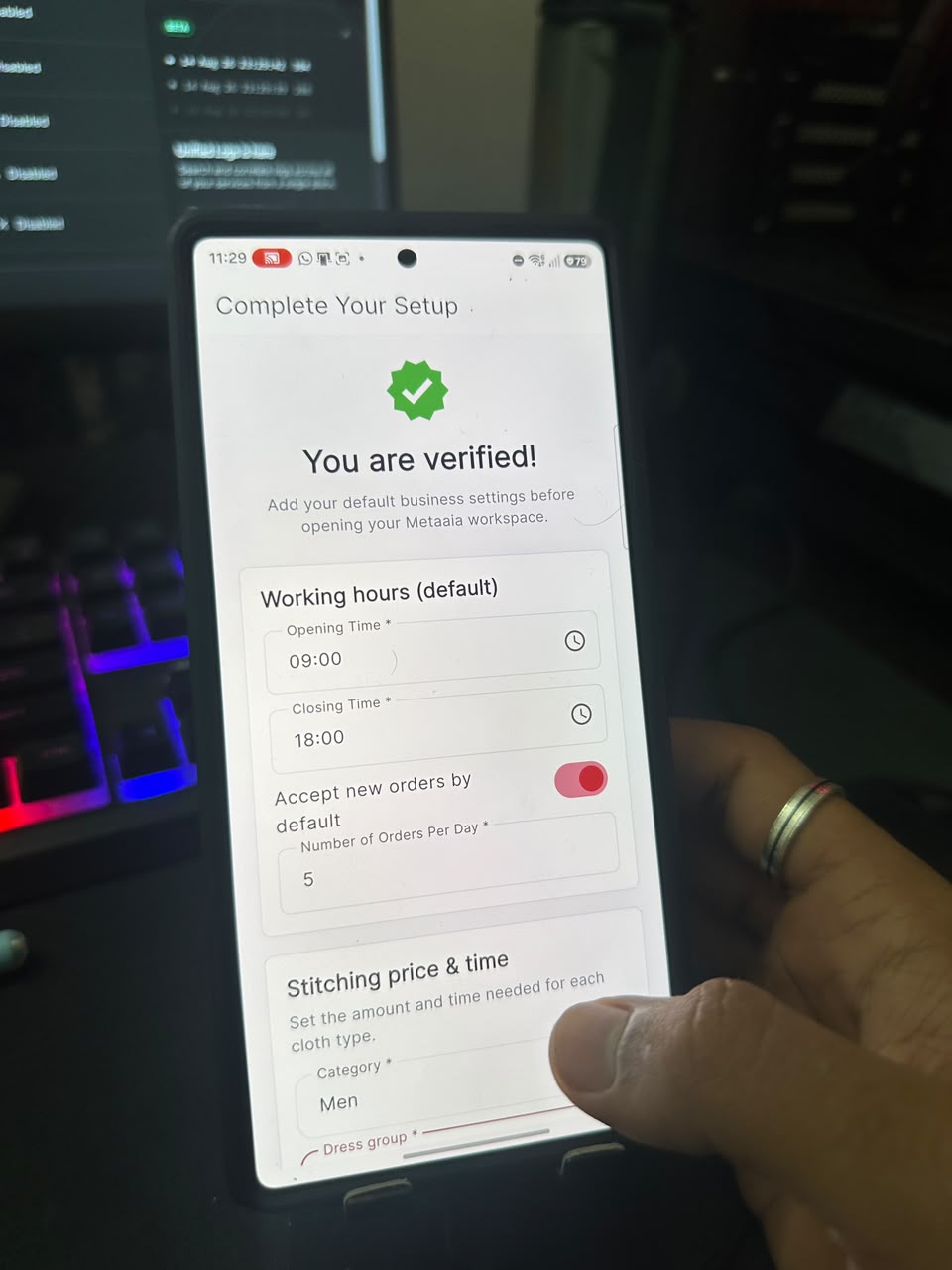
Metaia tailor verified setup
Complete working hours and availability
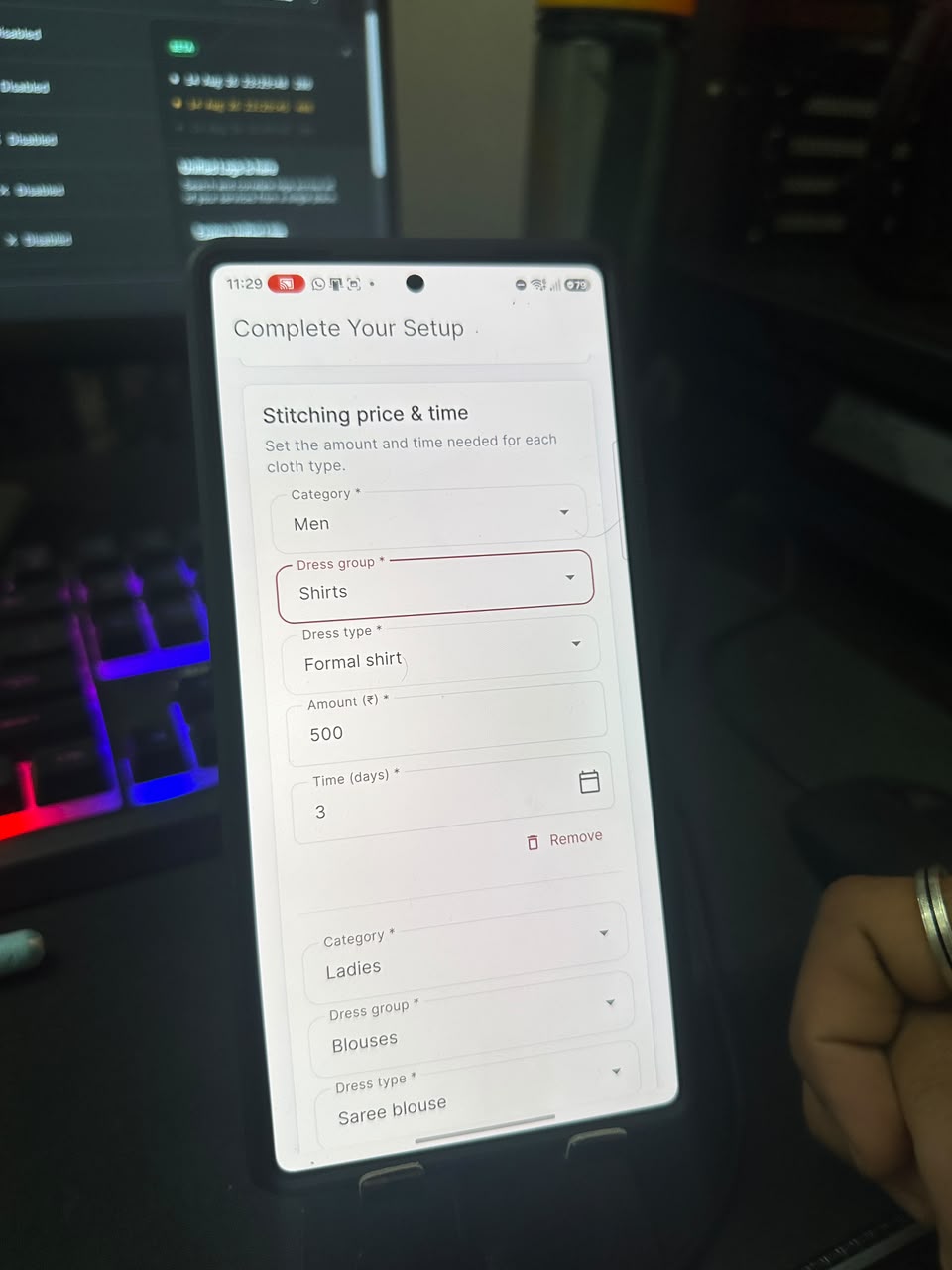
Metaia tailor service setup
Add service categories and garment types
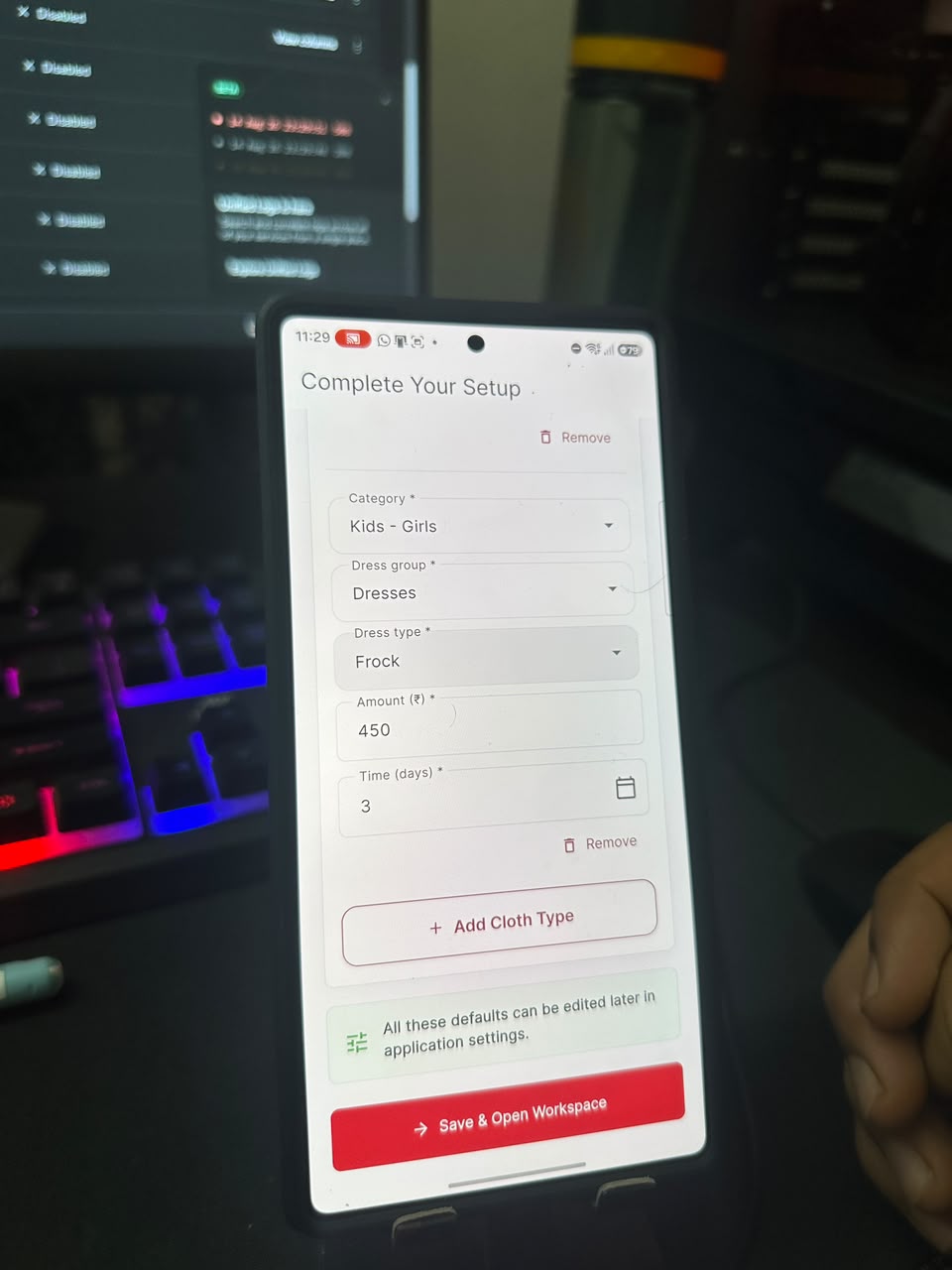
Metaia tailor pricing setup
Set stitching prices and studio defaults
04

Run your day

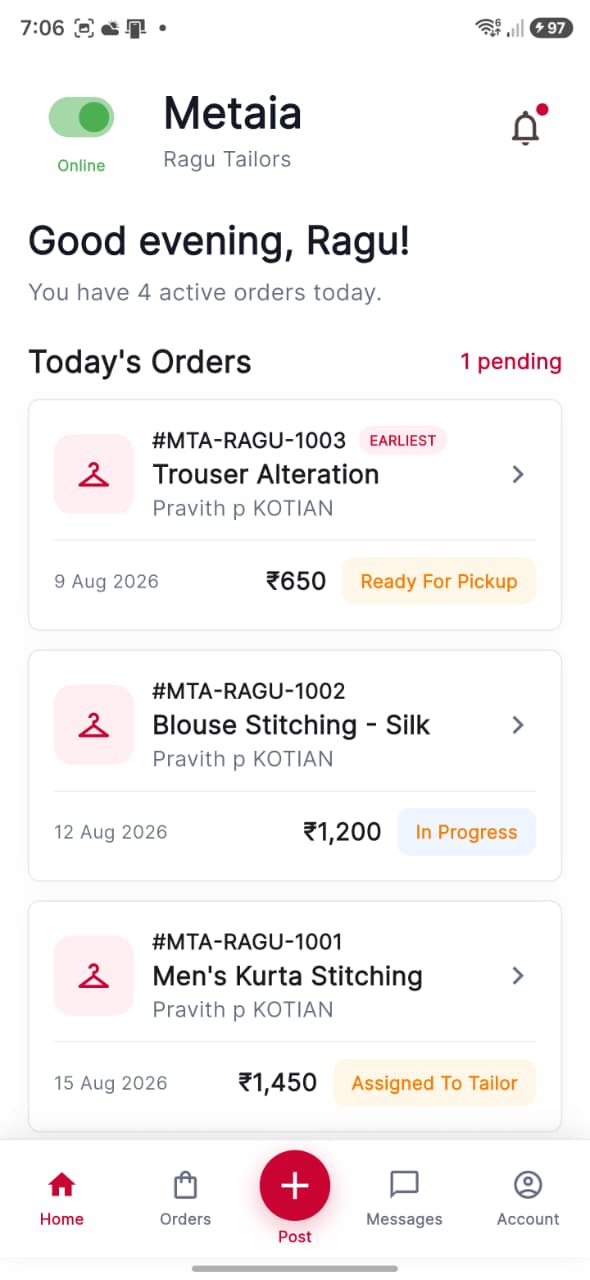
Metaia tailor home
Today’s work and every active order at a glance
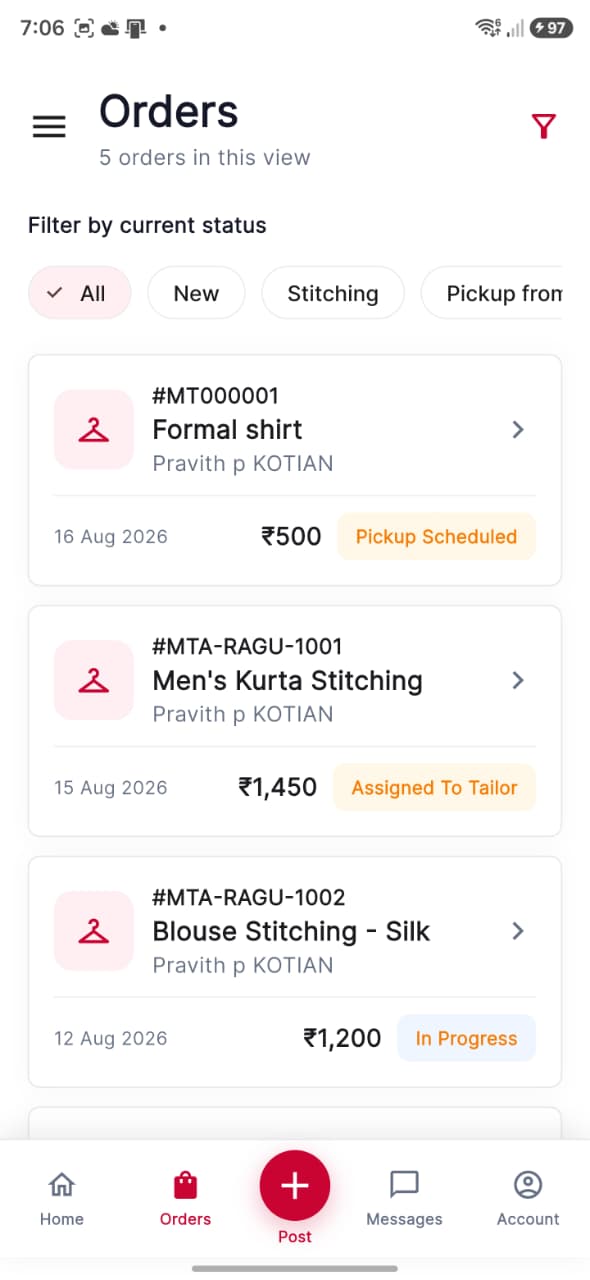
Metaia tailor order list
Filter orders from new through pickup
05

Stay connected

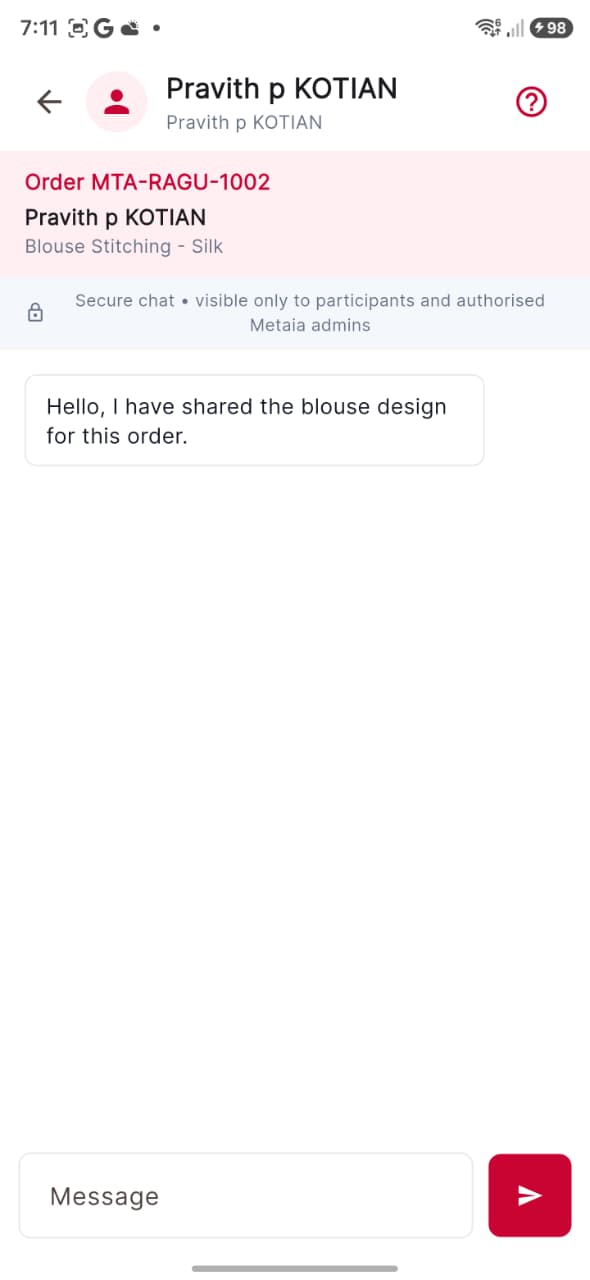
Metaia tailor customer conversation
Private order conversations with customers
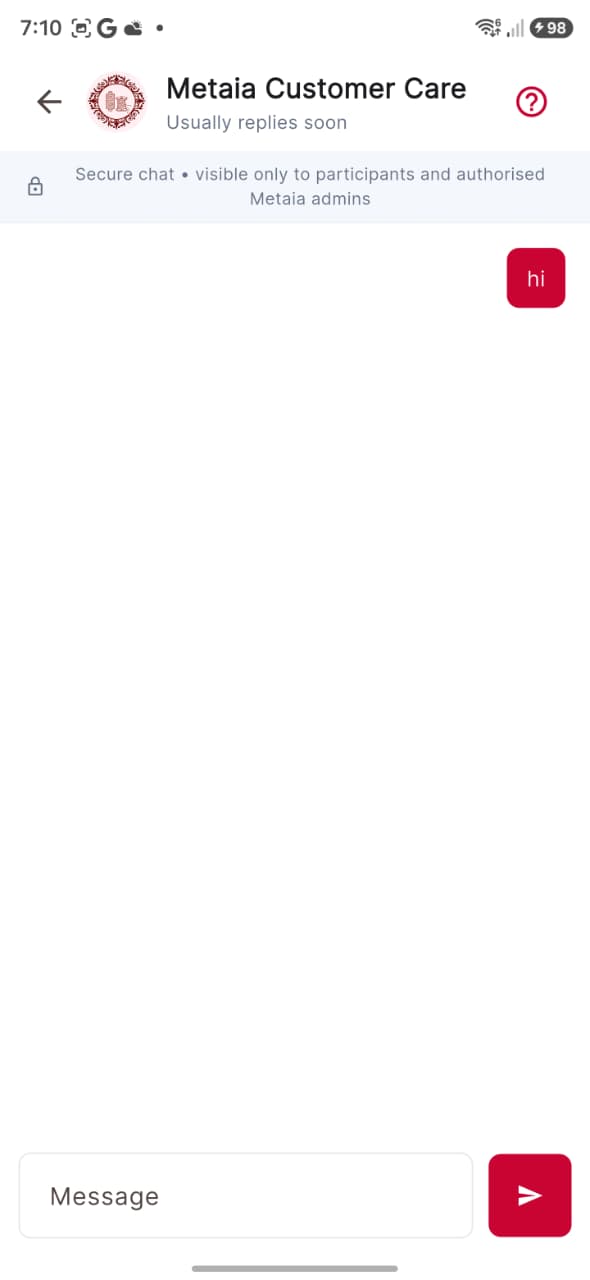
Metaia tailor customer care
Direct help from Metaia Customer Care
06

Manage your studio

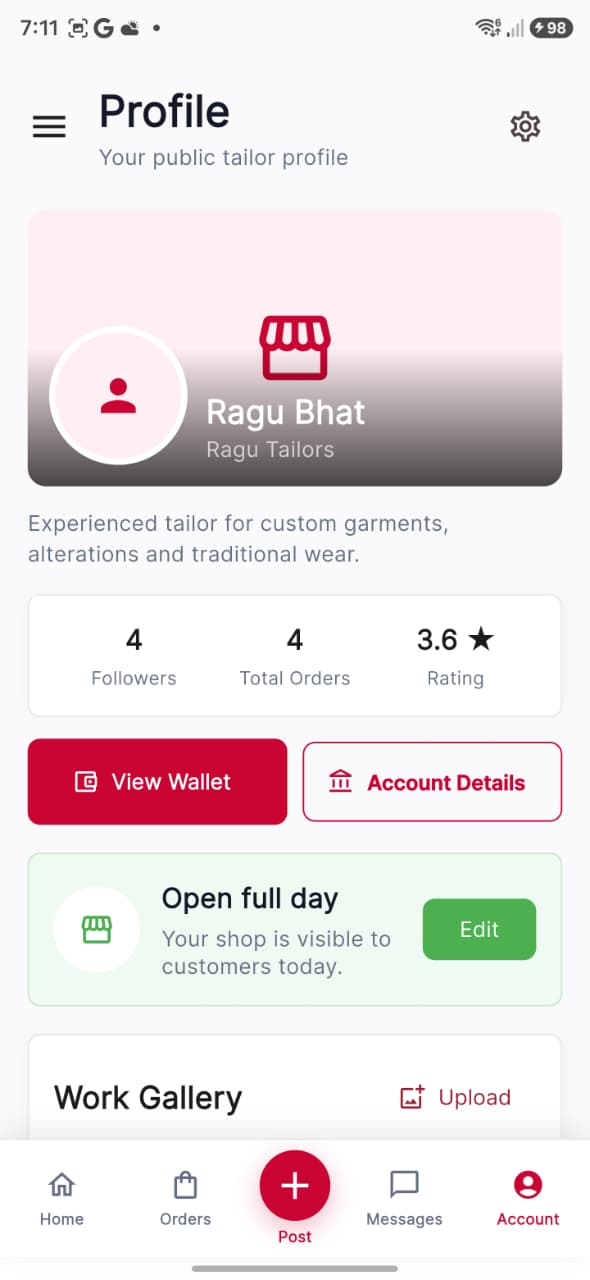
Metaia tailor profile
Your live public studio, rating and availability
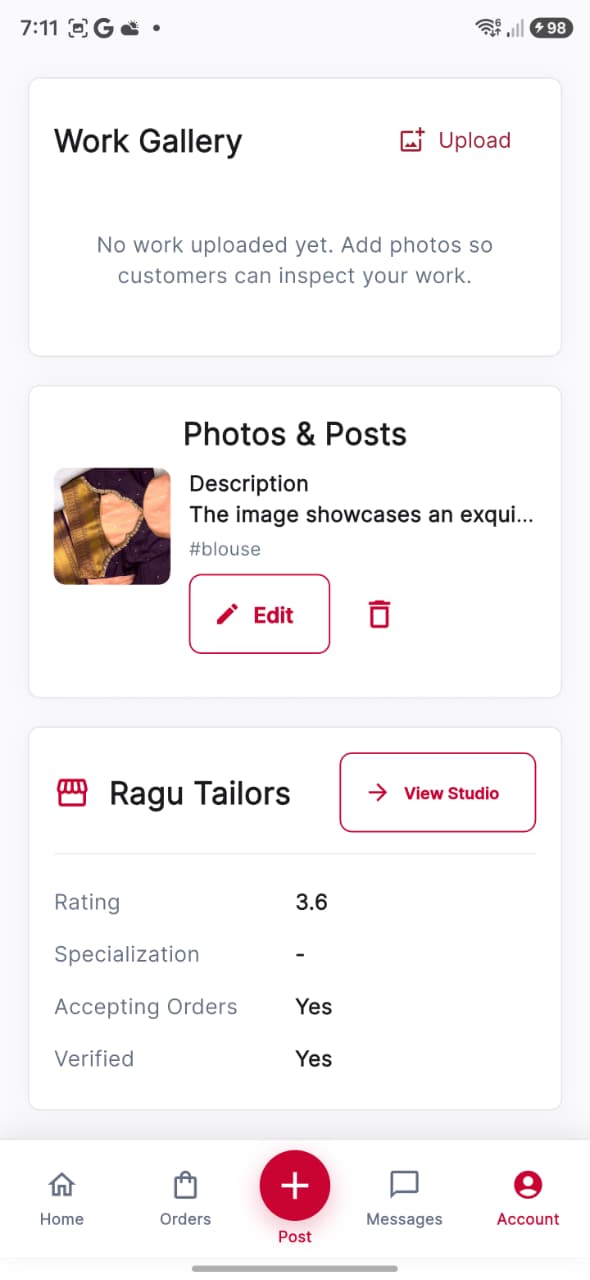
Metaia tailor work gallery
Work gallery, posts and studio details
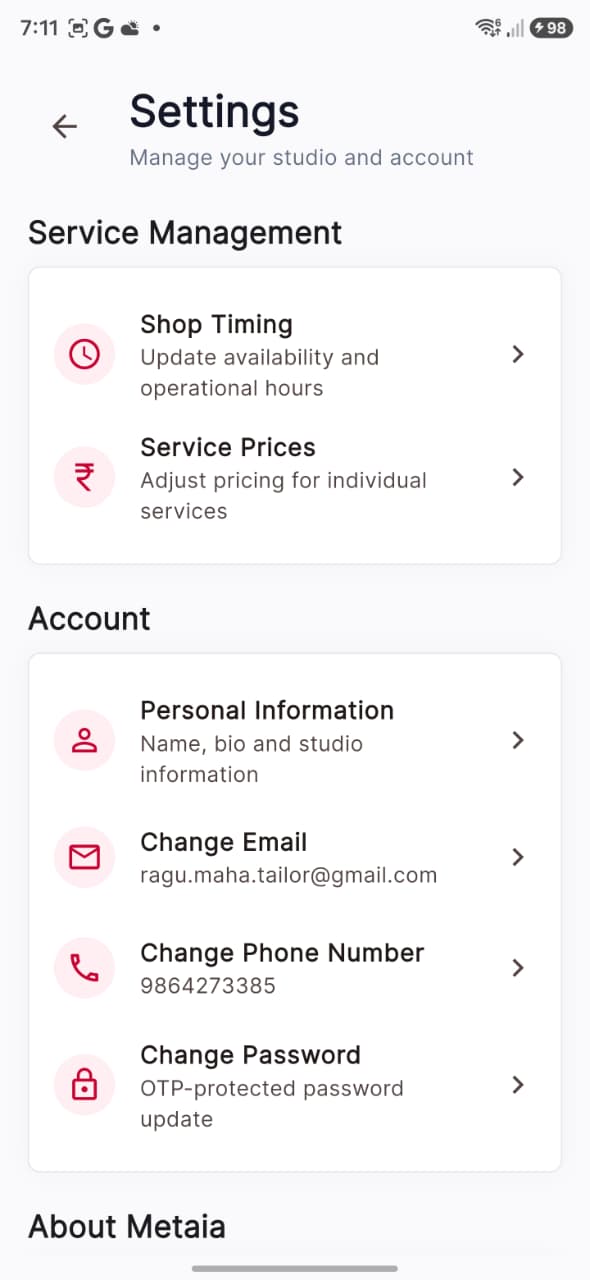
Metaia tailor settings
Services, personal details and account security
07

Publish your work

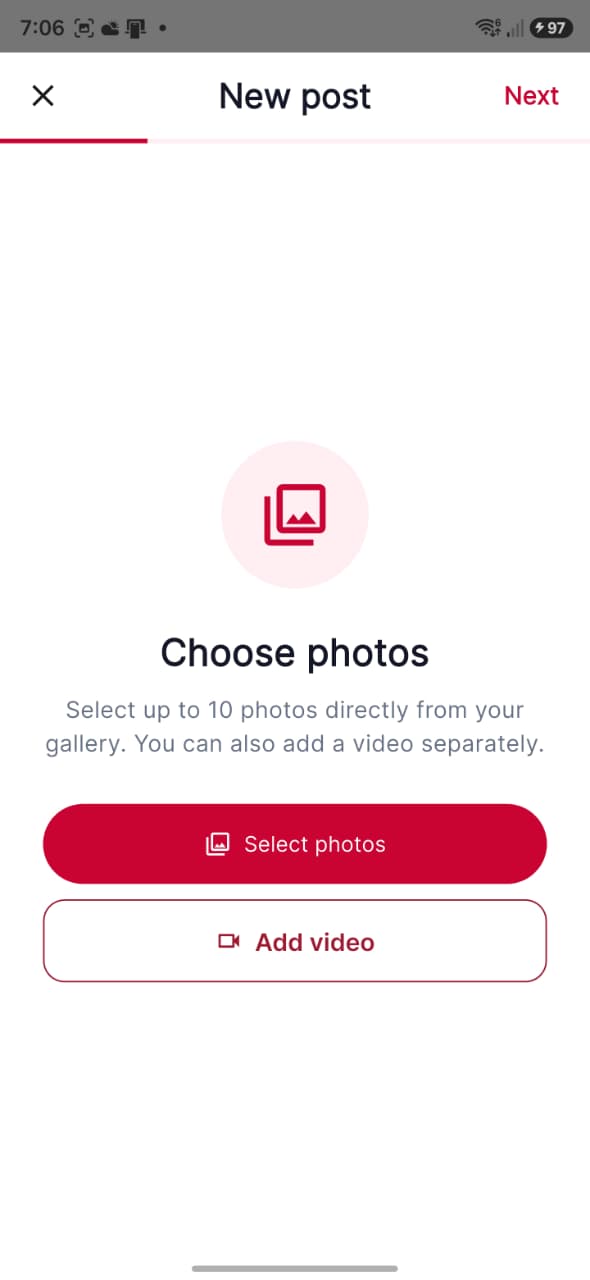
Choose media for Metaia tailor post
Step 1 · Choose photos or add a video
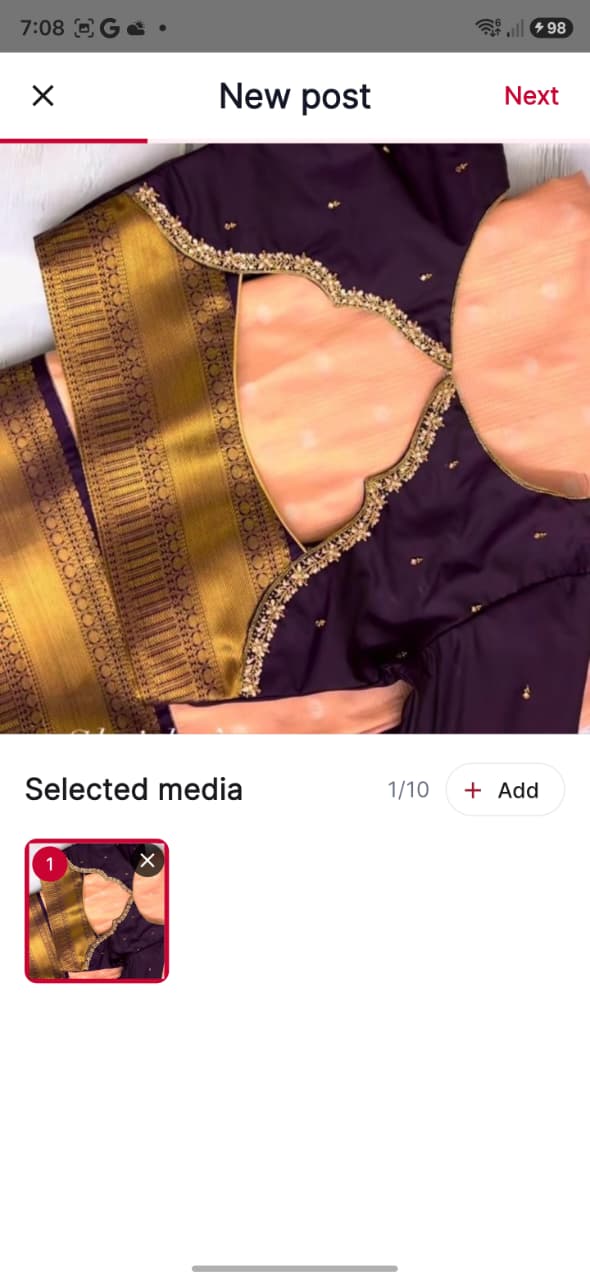
Selected media in Metaia tailor post
Step 2 · Review and add more media
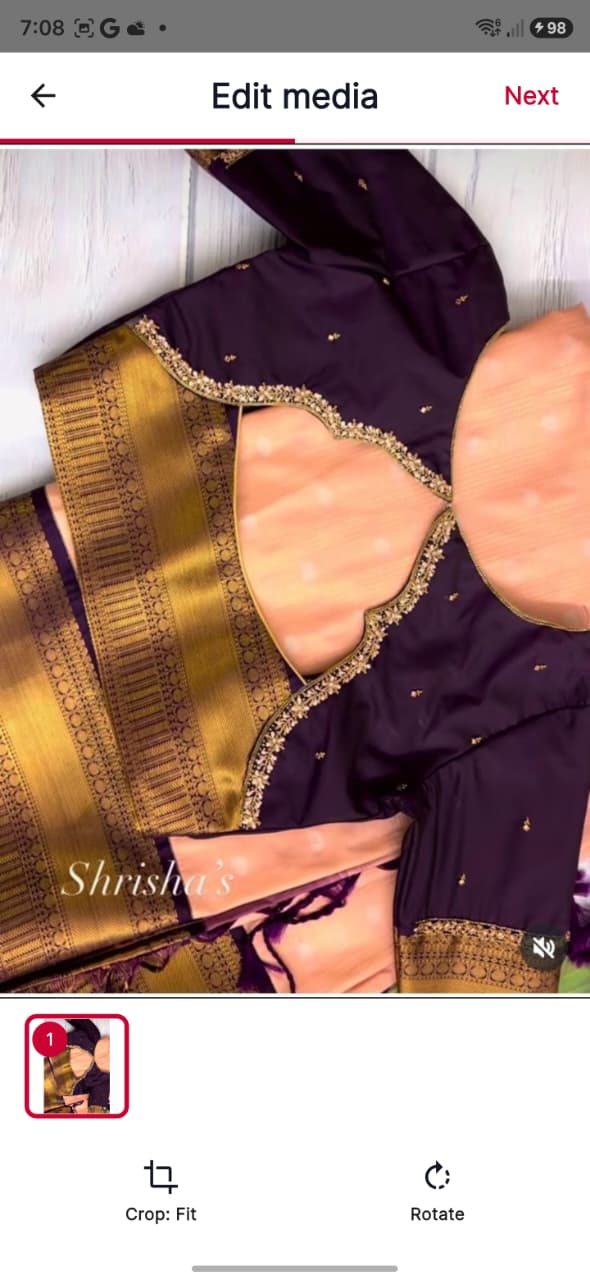
Edit media in Metaia tailor post
Step 3 · Crop, fit and rotate
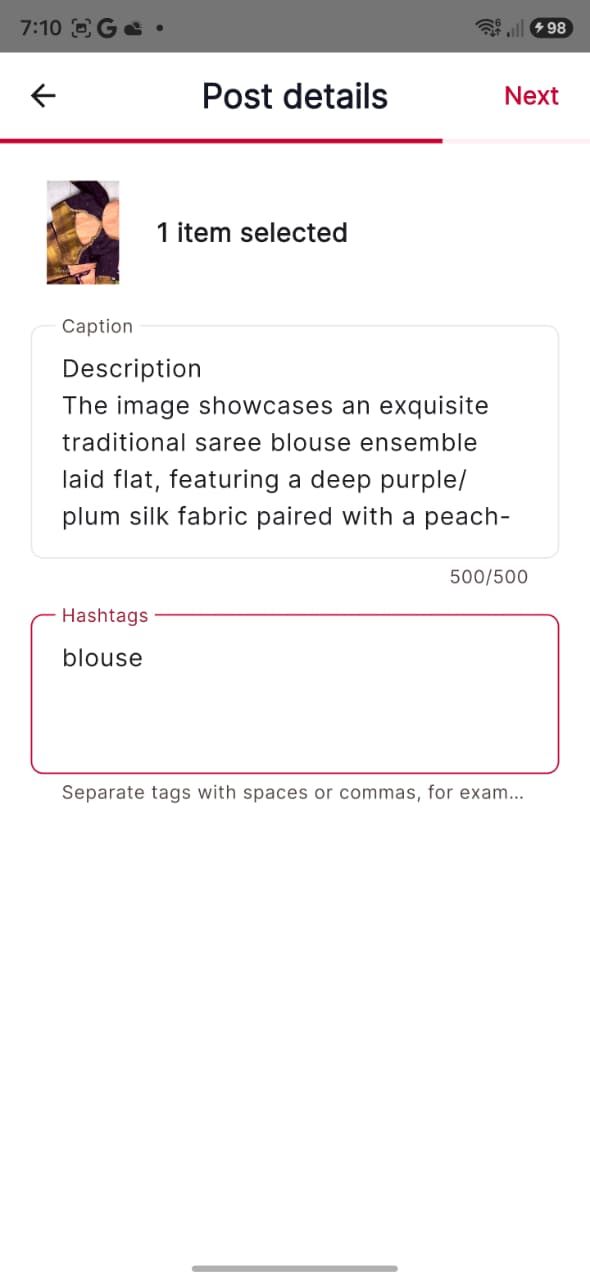
Post details in Metaia tailor app
Step 4 · Add caption and hashtags
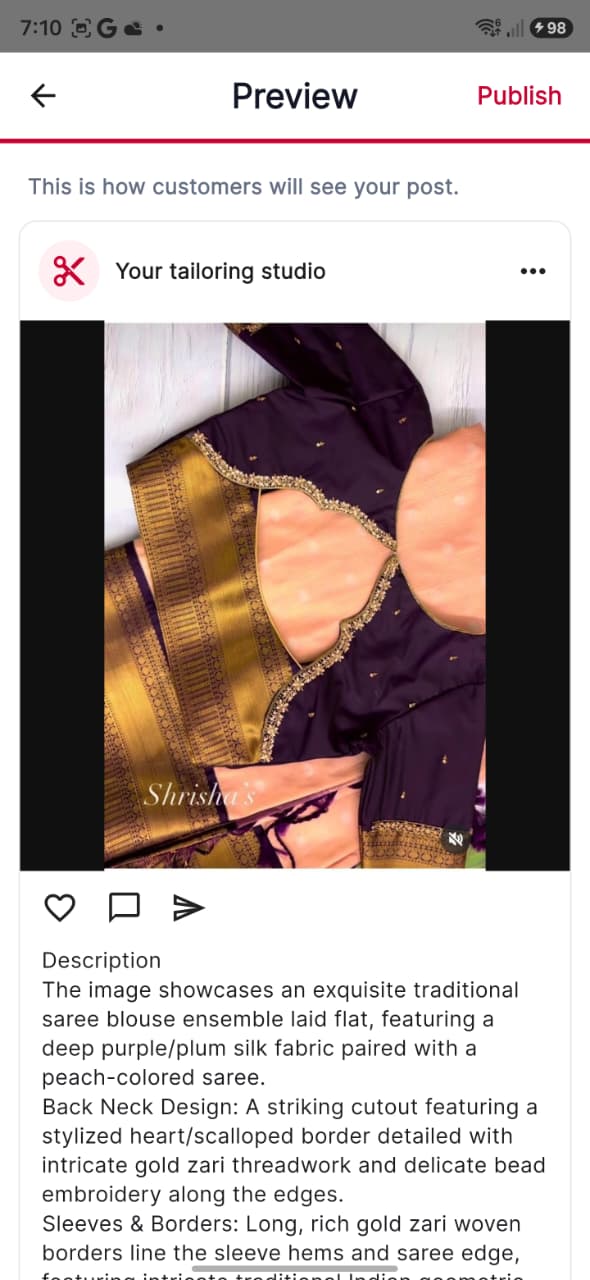
Metaia tailor post preview
Step 5 · Preview exactly what customers will see

Every step, before you take it.

No guesswork. Here is exactly what happens from opening Metaia to completing your first meaningful action.

  1. 01

    Get started

    Secure partner login

    Start with the same Metaia email OTP flow. Existing partners open their workspace; new tailors continue to the application.

  2. 02

    Get started

    Basic information

    Introduce yourself with a profile photo, contact details, date of birth, address and a short public bio.

  3. 03

    Get started

    Business information

    Describe your business type, experience, shop address, service areas and regular opening hours.

  4. 04

    Get started

    Experience and skills

    Select specialisations and services, then add real work images that show customers what you do best.

  5. 05

    Use Metaia

    Documents

    Upload secure identity and address proof. Shops and partnerships also provide a business document.

  6. 06

    Use Metaia

    Review and submit

    Check every section in one summary, correct anything necessary and submit the application for review.

  7. 07

    Use Metaia

    Open your studio

    Set daily availability, services, lead times and prices, then publish past work so customers can discover you.

  8. 08

    Use Metaia

    Manage every order

    Accept suitable work, follow the order details, share work updates, chat and move the job through completion.

Everything you need to run the work.

Metaia turns a busy tailoring day into a clear workspace, from opening the shop to completing and getting paid for orders.

Home

Today’s orders, pending work, shop visibility and the fastest studio actions.

Orders

Filter new, assigned, in-progress and pickup-ready work with complete customer details.

Post

Publish photos or videos, captions and hashtags to a customer-facing portfolio feed.

Messages

Order conversations, customer chats and direct Metaia Customer Care access.

Services

Manage service names, base prices, lead times and daily category capacity.

Account

Business settings, personal information, security, payments and withdrawals.

Metaia tailor home
Today’s work and every active order at a glance
Metaia tailor order list
Filter orders from new through pickup
Metaia tailor post preview
Step 5 · Preview exactly what customers will see

Have these details ready for a smooth application.

Ready to grow your craft?

Build your profile. Receive the right orders. Keep every customer close.

Explore the customer experience ↗Back to Metaia overview ↗